A day on one page
Open Portico and Today is waiting. Everything that matters for the day, top to bottom.
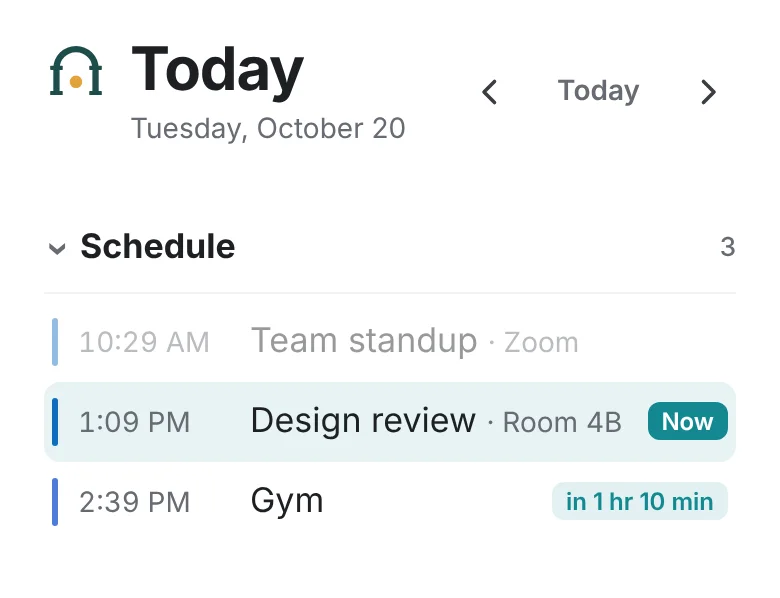
Schedule
Every calendar you connect, in one list. What’s on now is highlighted, and the next thing shows how long until it starts.
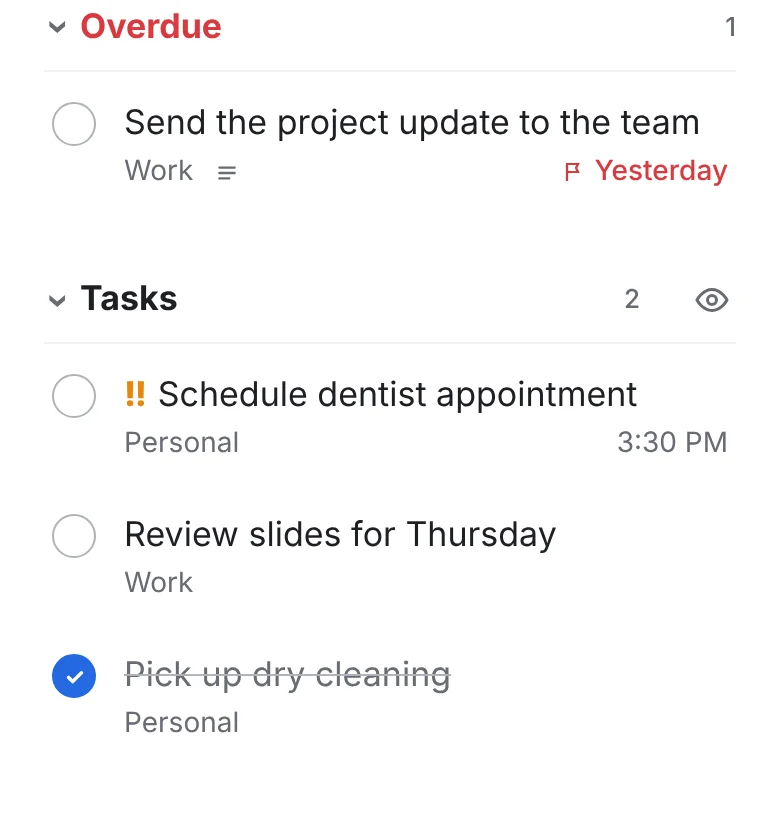
Overdue and tasks
Anything overdue first, then everything due today from all your lists. Tick it off right here.
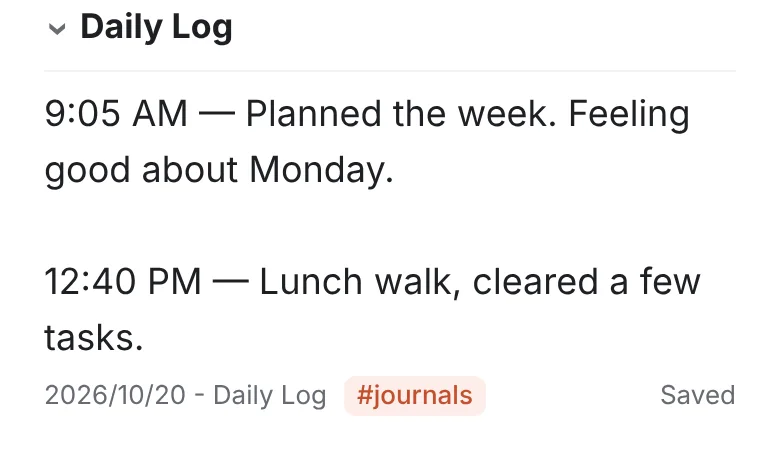
Daily log
Write a line and Portico stamps the time. Leave a blank line to start a new entry. The log is saved as a note you can search later.
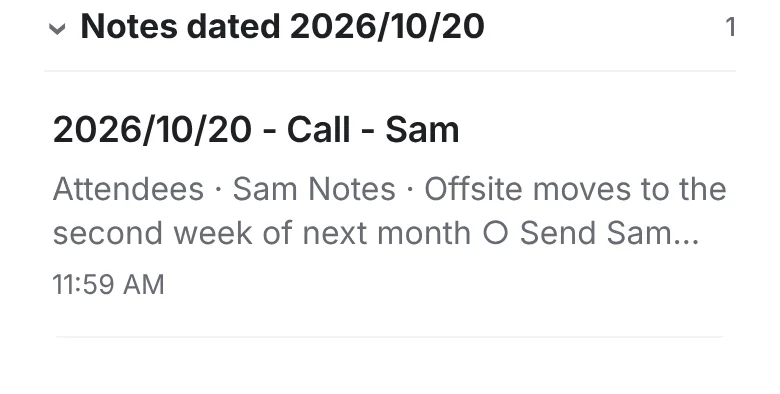
Notes dated today
Meeting notes and anything titled with today’s date gather here, even after you archive them.
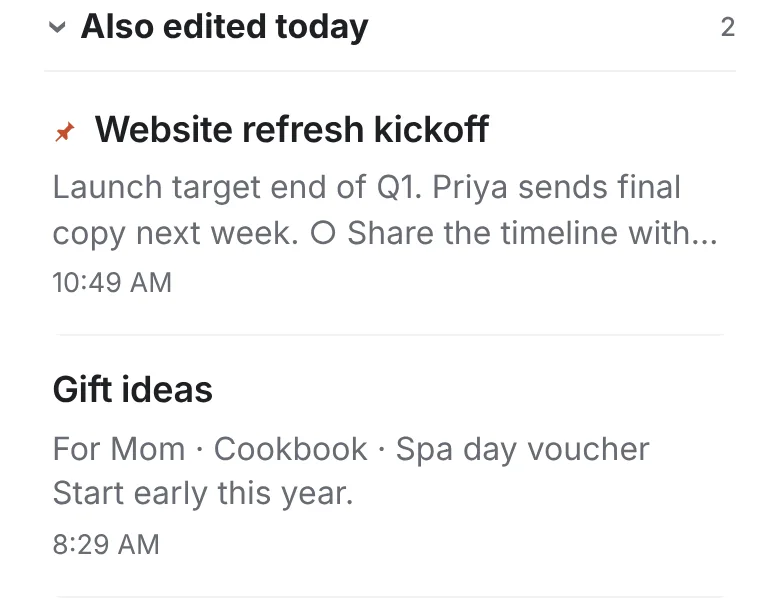
Also edited today
The notes you worked on today, one tap away.
And the full pages behind it
Most people juggle a task app, a notes app and two or three calendars. Portico puts them under one roof, with Today as the front door.
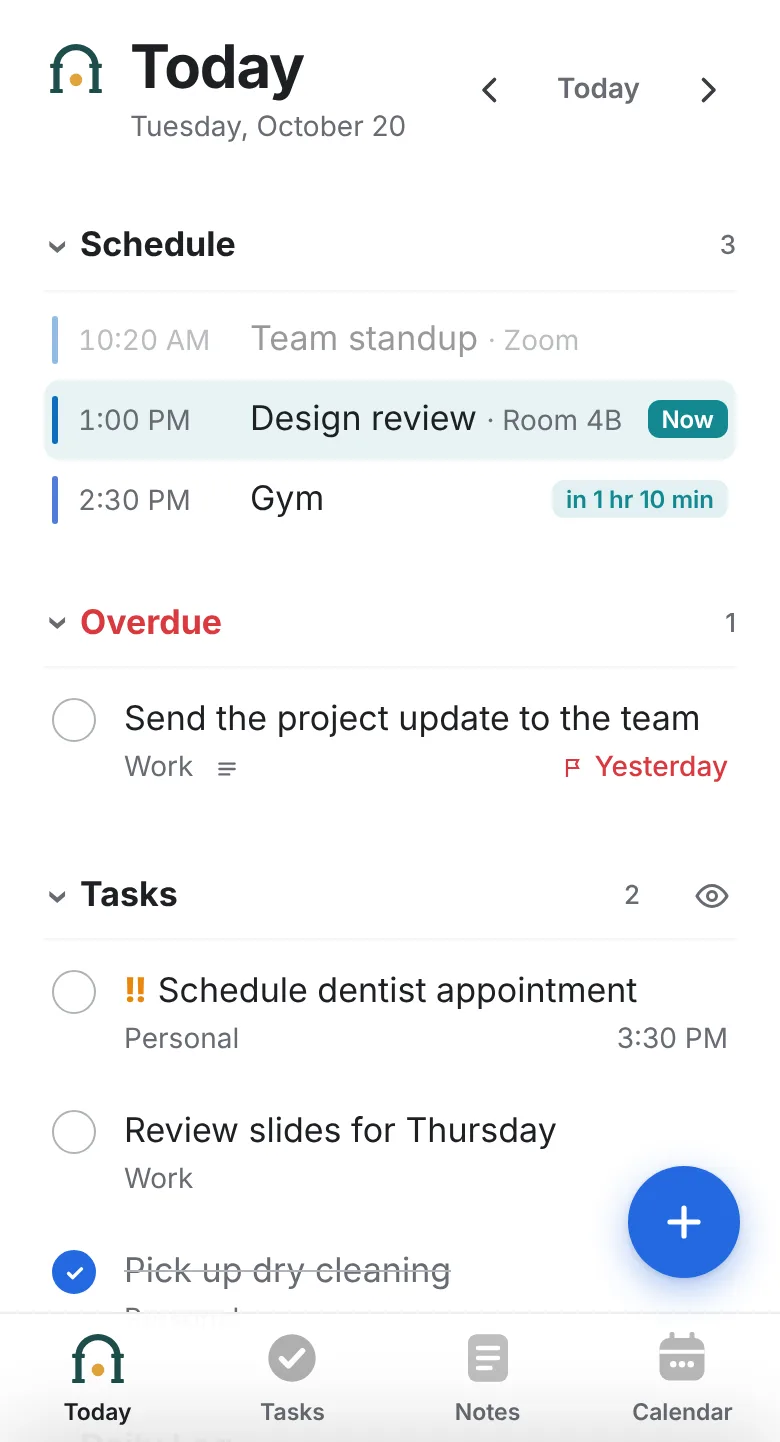
Today
Your schedule, what’s due and a daily log that stamps the time on each entry.
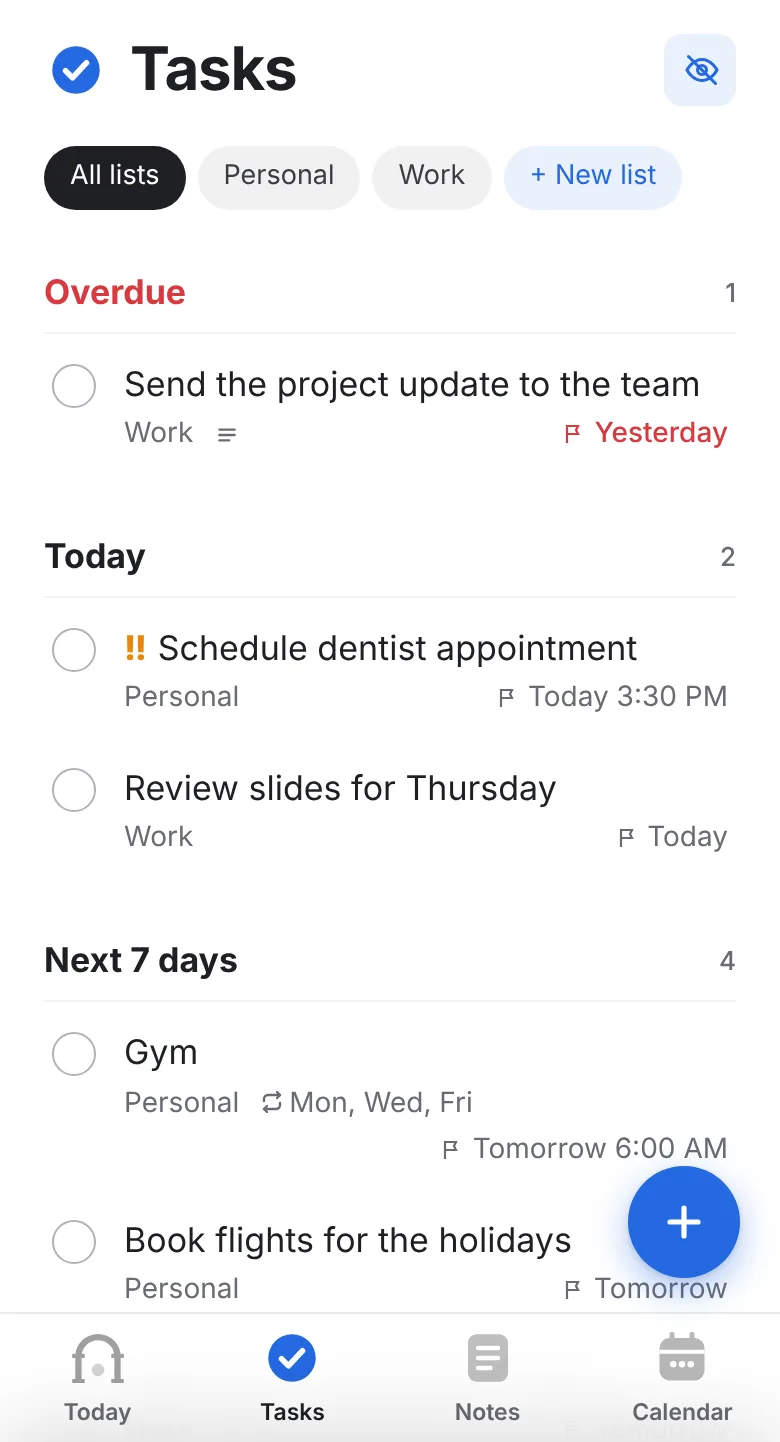
Tasks
Lists, due times, priorities and repeats, typed in plain words like “call Sam friday at 9am”.
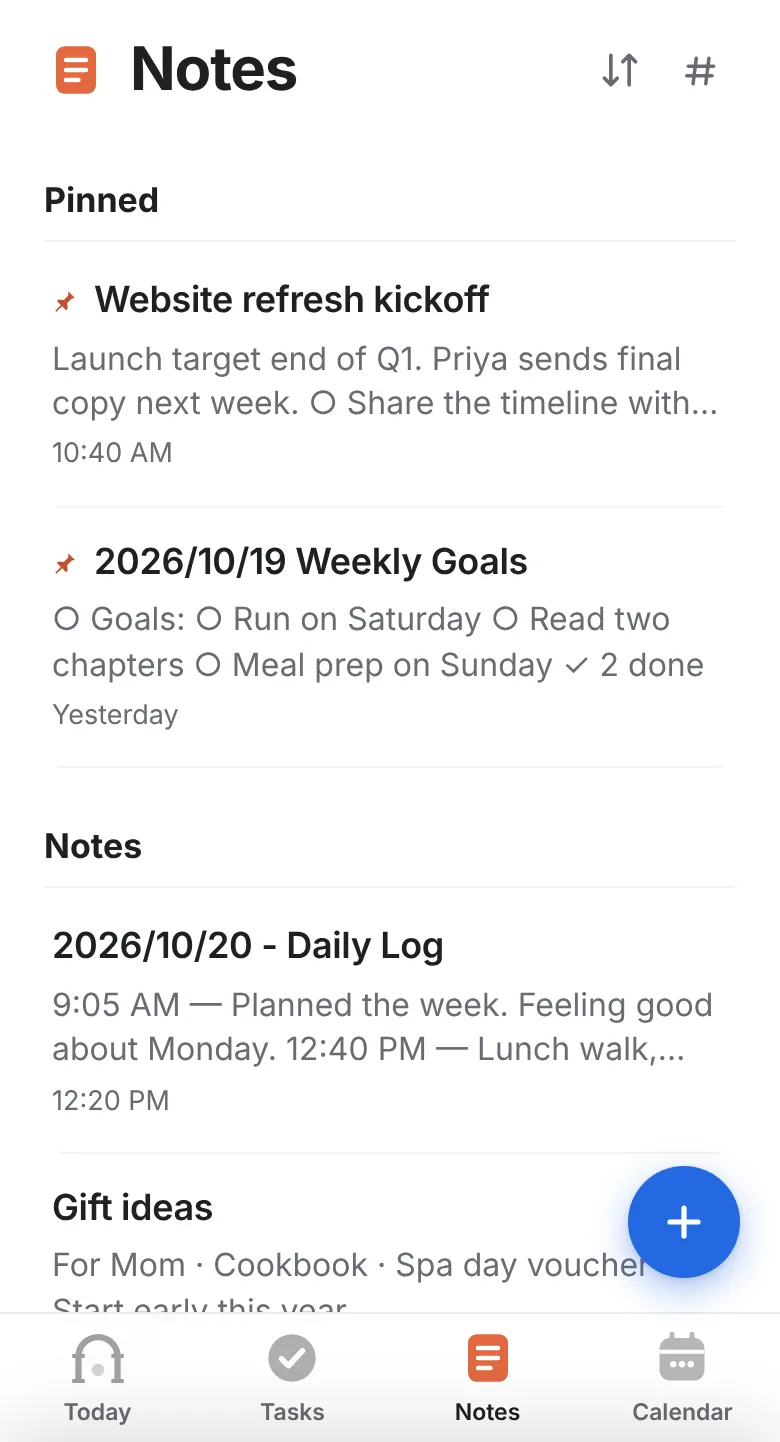
Notes
Markdown notes with checklists, tags and templates, formatted as you type.
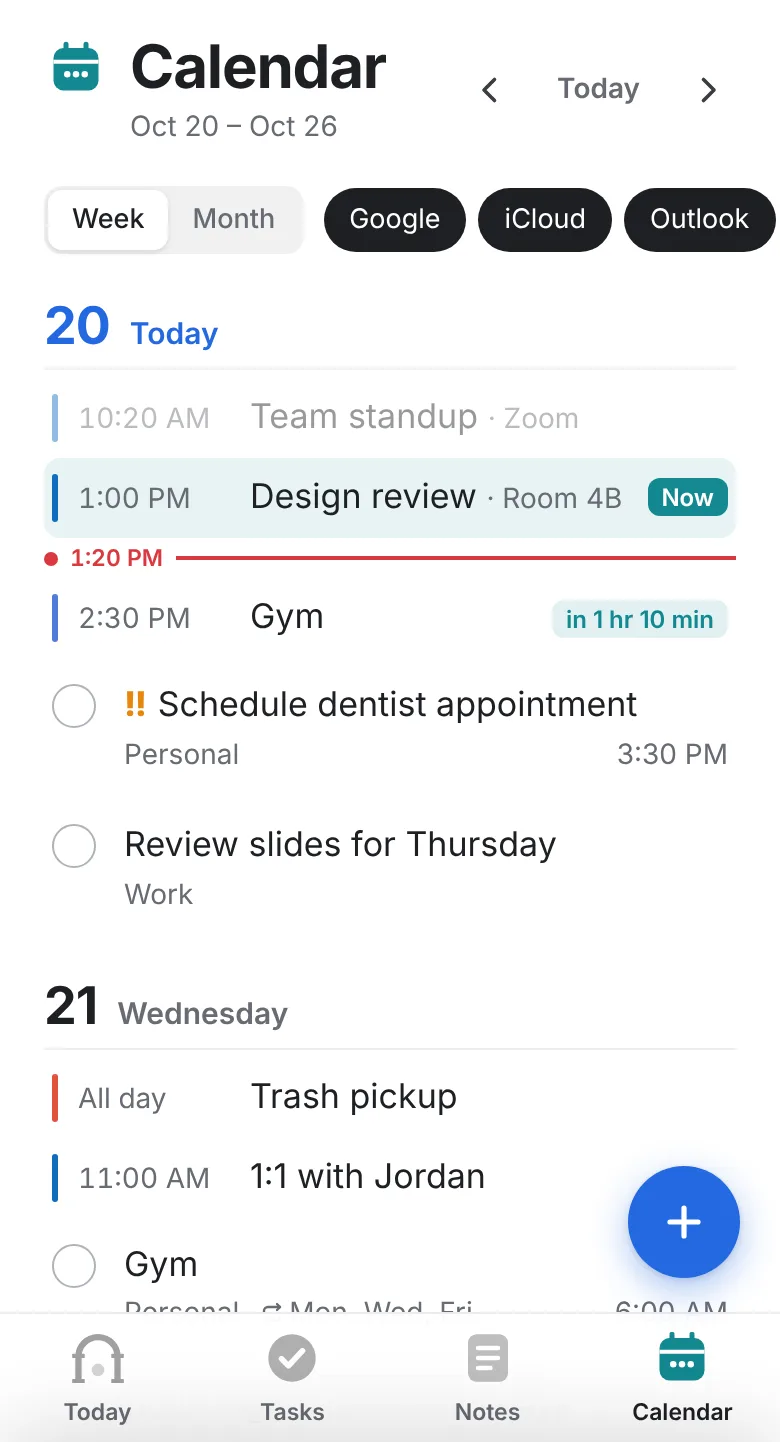
Calendar
Google, iCloud and Outlook together, by week or by month.
Built for real days
- Log a thought from anywhere
- Tap + and write a line. It lands in today’s log with the time.
- Notes that know their date
- Start a title with the date and the note shows up on that day.
- Meeting notes in one tap
- Open a calendar event and start a note with the attendees already listed.
- Any line becomes a task
- Pick the list, date and priority, and the task links back to the note.
- On every device
- iPhone, Android and any computer browser. Add it to your Home Screen like an app.
- Keeps working offline
- Changes made without signal sync when you’re back online.
Your notes stay yours
- Notes are plain Markdown files, not locked in a special format.
- Connect Google Drive and they live in your Drive, synced both ways.
- No ads. Your data is never sold or used to train AI.
Portico keeps a working copy on its servers so the app is fast and works offline. Read the privacy policy.